Your work already happened. Shiplogue writes the standup.
Capture commits, agent sessions and reviews as they happen. Compile them into one honest standup, then send it to Slack, Discord or Teams — on your schedule.
The problem → the outcome
You already did the work. You just have to retype it.
Shiplogue reads the activity your tools already produce, then writes the update nobody wants to write at 9am.
The old way
The 9am status meeting.
With Shiplogue
The standup is already written.
How it works
Three steps. Then it runs itself.
Install once, connect a project key, and keep working the way you already do.
01
Capture
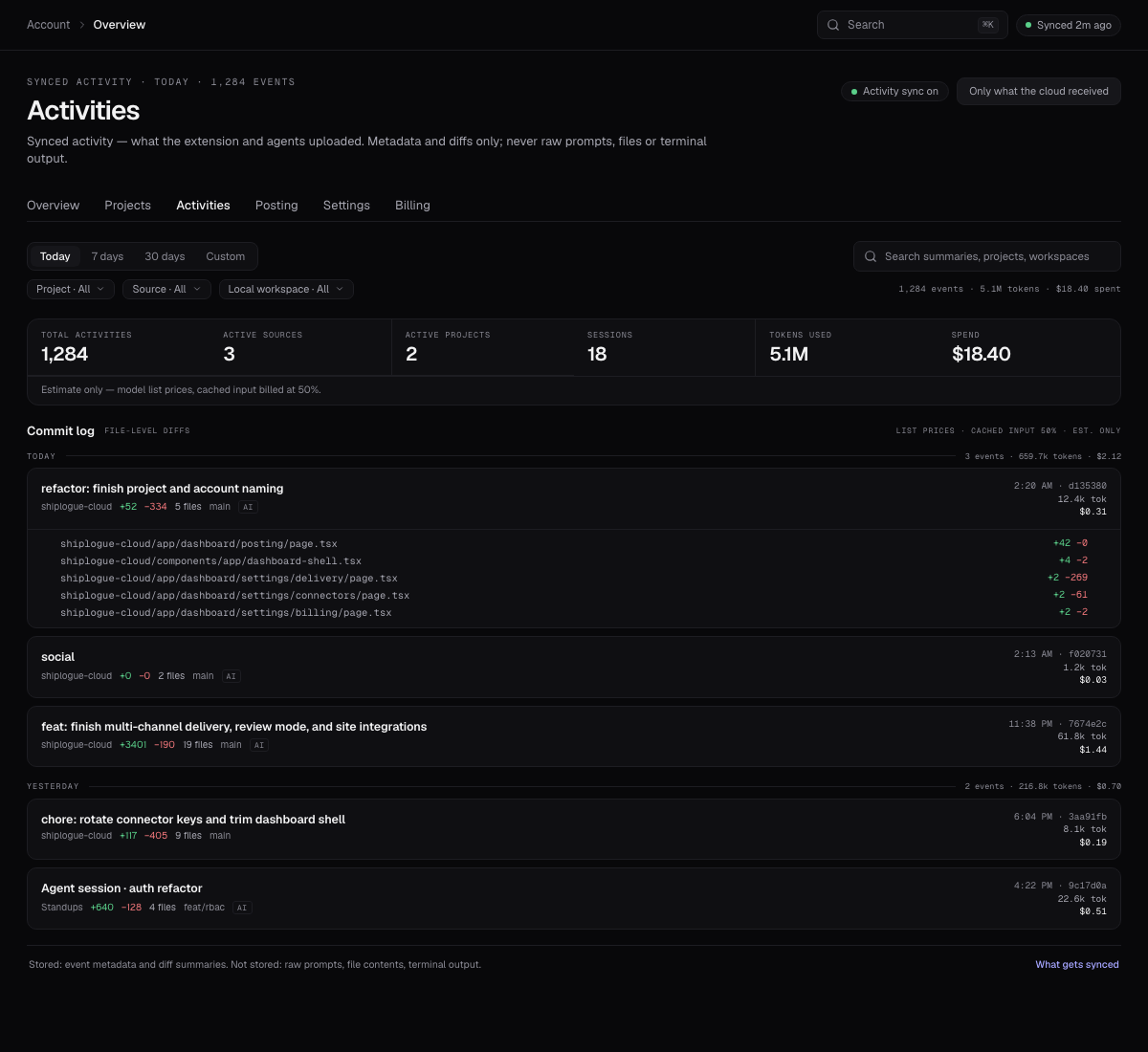
Work normally. Your editor and agents report commits, sessions and reviews as they land — metadata and diffs only.
02
Today · shipped
access control
Compile
Shiplogue groups the day into one story: what shipped, what is in progress, what is blocked.
03
Sent 09:00
Deliver
Review it, send it now, or let it post on schedule to every channel you have enabled.
What you get
Four things that make the daily update disappear.
01
Today · standups
Shipped role-based access and cleaned up the auth boundary.
One honest summary
Commits, agent sessions and reviews become a single story — shipped, in progress, blocked. No transcript, no padding.
02
Review before posting
Review before anything leaves
Nothing posts until you approve it. Edit the draft, send it now, or let the schedule handle it.
03
One post · every channel
Every channel, one post
Slack, Discord and Teams. Multiple channels per platform, each with its own toggle. Post once, deliver everywhere.
04
Local-first
Your code stays on your machine
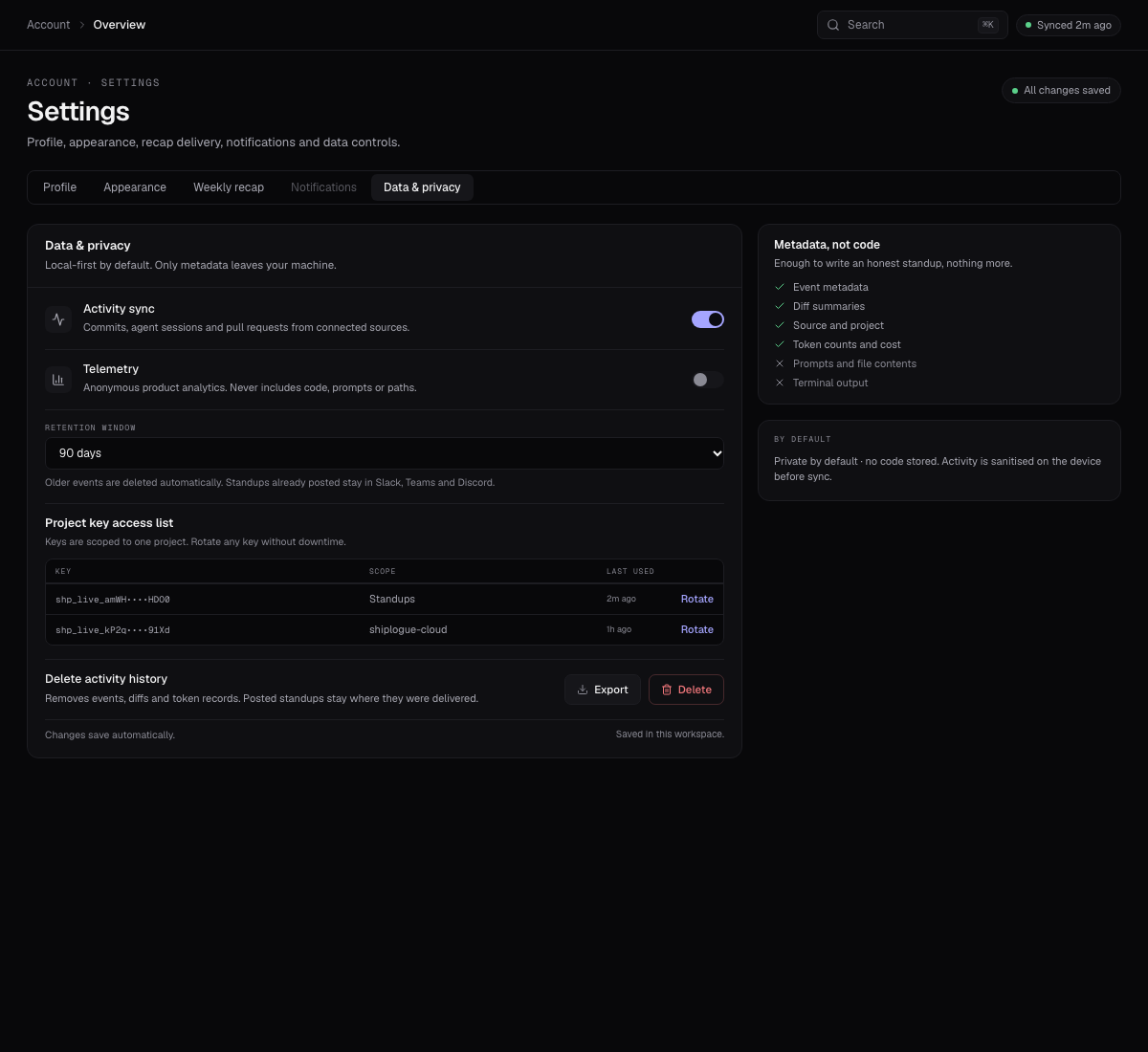
Only synced metadata and diff summaries leave your editor. Prompts, files and terminal output never do.
Supported tools
Built around what you already use.
Adapters ship when they are real.
Works where you build
IDEs + agentsReports where you work
ChannelsA brand logo means the adapter has shipped. Grey + “soon” means it is not yet available.
Privacy / local-first
Synced activity, not your whole machine.
Shiplogue shows what the extension and agents actually uploaded. Everything else — file contents, prompts and terminal output — stays local.
Private by default · no code stored
Pricing
Free for one project. Pro when you ship more.
Free
For one project and one person.
Pro
Unlimited projects. One key per project. Unlimited cloud delivery destinations.
No seat pricing · no token metering · cancel any time via Polar
Stop retyping your week
Your next standup is already written.
Install the extension, connect one project key, and work like you already do.